

Welcome to IM777. Explore our Android gaming app, check the app details and find the information you need before getting started. Whether you are installing IM777 for the first time or returning to your account, use this page to reach the right download, registration or login guidance.
The IM777 Android download is 50 MB, with the version listed as 1.1.2v. Check your device compatibility and available storage before installation.
Explore the Game & App · Registration Help · Login Help
What Is IM777?
IM777 is an Android gaming app. Our website brings together the app’s download information, installation guidance and account-help resources for users in India.
Start by checking the app information below. If you are new to this app, read the registration guide before creating an account. If you already have an account, continue with your existing details and use the login guide when you need help signing in.
For a closer look at installation, updates and troubleshooting, visit our dedicated IM777 game and app page.
IM777 App Information
| App detail | Information |
|---|---|
| App name | IM777 |
| Platform | Android |
| Download format | APK |
| Download size | 50 MB |
| Listed version | 1.1.2v |
| Website audience | India |
| Minimum Android version | Android 7+ |
| Storage required | Space for the 50 MB download, plus installation and app data |
| Internet connection | Required for online features |
The download size and installed size are different. Keep additional storage available for installation, updates and any data the app creates.
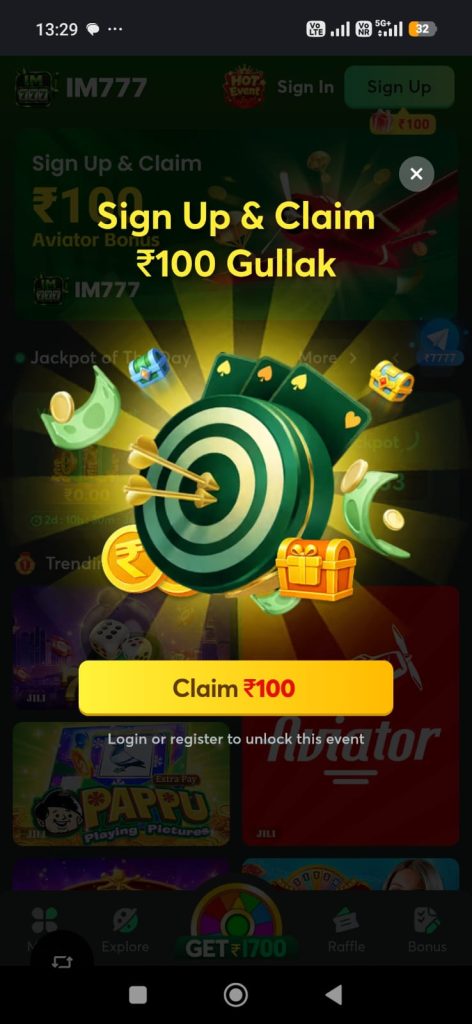
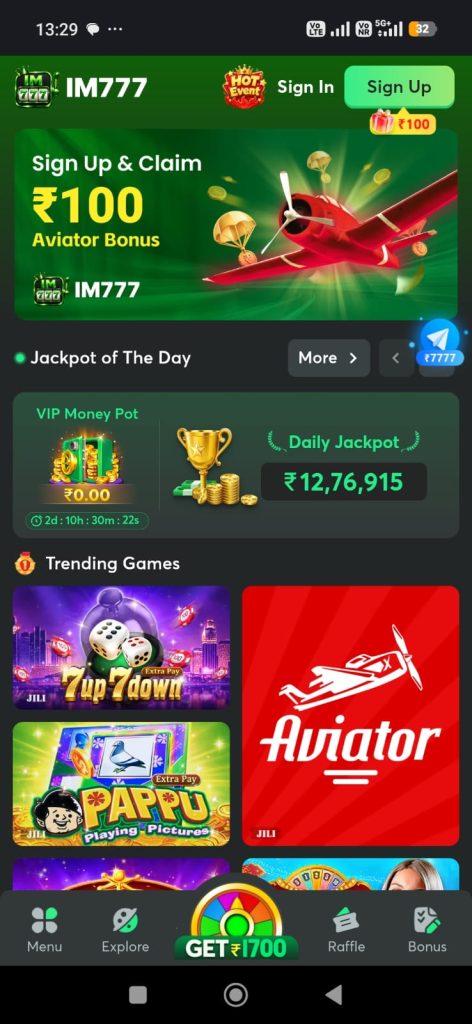
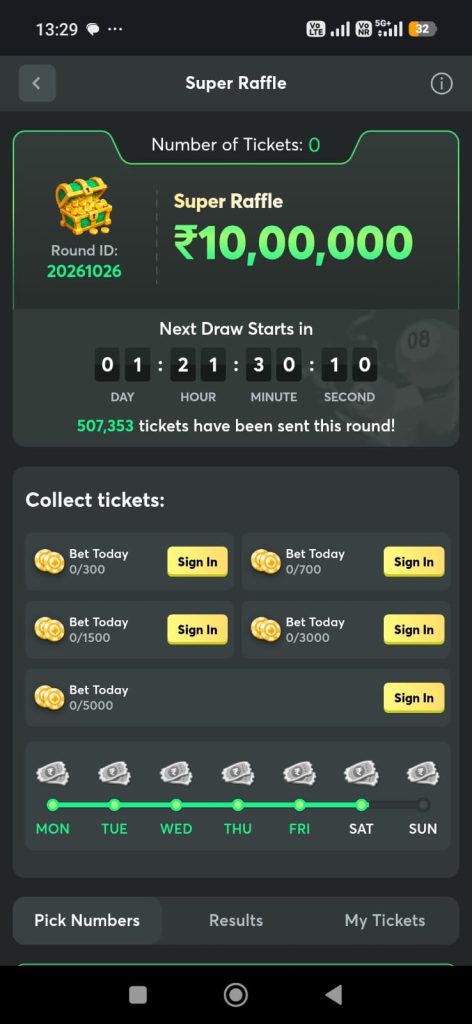
Get Started with IM777
1. Check Your Android Device
Before downloading, check your Android version and free storage in your phone’s settings. Compare your device with the requirements provided alongside the current release.
The 50 MB file size does not establish compatibility with every Android phone. Operating-system support and hardware requirements also matter.
2. Open the Download Destination
Use the IM-777 download link to reach the download destination. Review the version information there before proceeding.
Avoid installation files shared through unfamiliar messages or links. A matching app name or icon alone does not confirm that a file is genuine.
3. Review the Installation Prompts
After downloading, open the installation file and review the prompts displayed by Android. Check the permissions requested and stop if your device reports a security concern you cannot resolve.
Our app installation guide provides additional checks and troubleshooting information.
4. Register or Sign In
New users can read our IM777 registration guide before creating an account.
Returning users should use their existing account. Visit our IM777 login guide if you need help with sign-in details or account recovery.
Explore the IM777 Game
After opening App, review the activities displayed in your version of the app. Read the rules for each activity before participating, including how it works, whether a payment is involved and which conditions apply.
Check each activity individually rather than assuming that the same rules apply throughout the app. If a feature is unavailable or its conditions are unclear, contact the relevant support channel before proceeding.
For more app information, continue to the IM-777 game page.
IM777 Registration and Login
Create an Account
Before registering, check the eligibility requirements and read the terms presented during account setup. Enter accurate details and make sure you can access the contact method used for verification.
Keep any verification code private and enter it only in the process you initiated.
Read the complete IM777 registration guide →
Access Your Existing Account
Use your registered details to sign in. Check for typing errors before retrying a rejected password, and use the recovery option supplied by the service if needed.
Avoid creating another account simply to work around a login problem.
Read the IM-777 login and recovery guide →
Offers, Rewards and Payment Information
Read the full conditions of any offer displayed in IM777. Check eligibility, expiry dates and restrictions before deciding whether to participate.
If a feature involves payments, review the methods, limits, charges and processing conditions shown for that feature. Do not assume that an advertised reward is immediately withdrawable or that a previous payment time guarantees the next one.
Never share your UPI PIN, password or OTP with someone offering to activate a reward or resolve a payment issue.
For questions, use the contact details on our Contact Us page.
Updating IM777 on Android
Compare your installed version with the version available at the download destination. Read any release information before updating, and check that you have enough storage.
Make sure you can access your account before removing an existing installation. Uninstalling may remove information stored on your phone.
Visit our IM-777 app guide for update checks and help with installation problems.
Account Security and Responsible Use
Use a unique password and keep your account details private. Check links before entering credentials, especially when a message creates urgency or promises a reward.
Set limits on the time you spend gaming. Where money is involved, understand that losses are possible and avoid using money needed for everyday expenses.
Read our Responsible Gaming page for practical guidance. Eligibility and applicable restrictions must be checked before using any restricted feature.
Frequently Asked Questions About IM777
What is IM777?
IM-777 is an Android gaming app. This website provides download information, app guidance and account-help resources for users in India.
What is the IM777 app download size?
The listed download size is 50 MB. Installation, updates and app data require additional storage.
Which IM777 version is listed here?
The version listed on this page is 1.1.2v. Compare it with the version shown at the download destination before installing.
How do I download IM777?
Open the IM-777 download destination, review the release details and check compatibility before downloading.
Does IM777 work on every Android phone?
Compatibility depends on the app’s operating-system and hardware requirements. Check the current release requirements rather than relying on file size alone.
Can I install the IM777 APK on an iPhone?
An Android APK cannot be installed as an iPhone app. An iPhone version would require a separate compatible release.
How do I create an IM777 account?
Read our registration guide and follow the requirements displayed during account setup.
What should I do if IM777 login is not working?
Check your credentials and connection, then follow the available recovery instructions. Our login guide covers common access problems.
Where can I get help?
Visit Contact Us for contact details, or browse our IM-777 guides.
Find Your Next Step
Explore the game and app guide, get registration help or read our login instructions.
About · Contact Us · Privacy Policy · Terms and Conditions · Responsible Gaming